- Navigate to Admin > Manage Users.
- Tick the selection boxes on the left side of the grid to choose the users who should receive the smartID License Key.
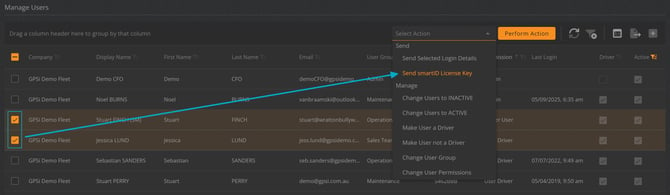
- Open the Action dropdown menu and select Send smartID License Key.
- Click Perform Action.
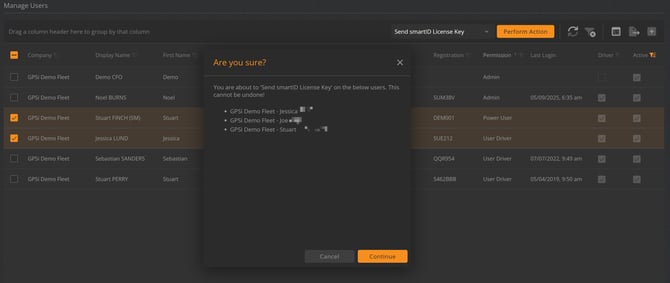
- In the popup menu, select Continue to confirm.
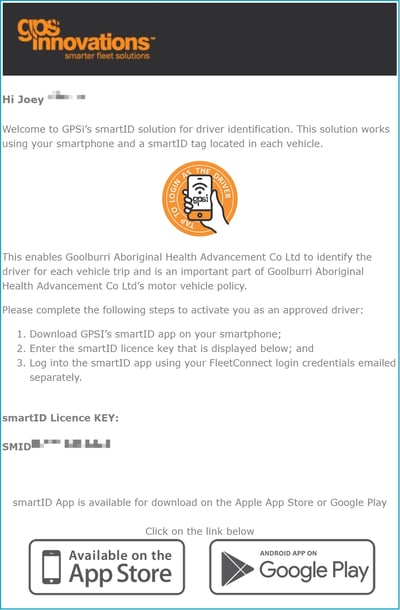
- When sending the above request to the Driver, they will receive an email containing their smartID License Key along with links to download the smartID app.